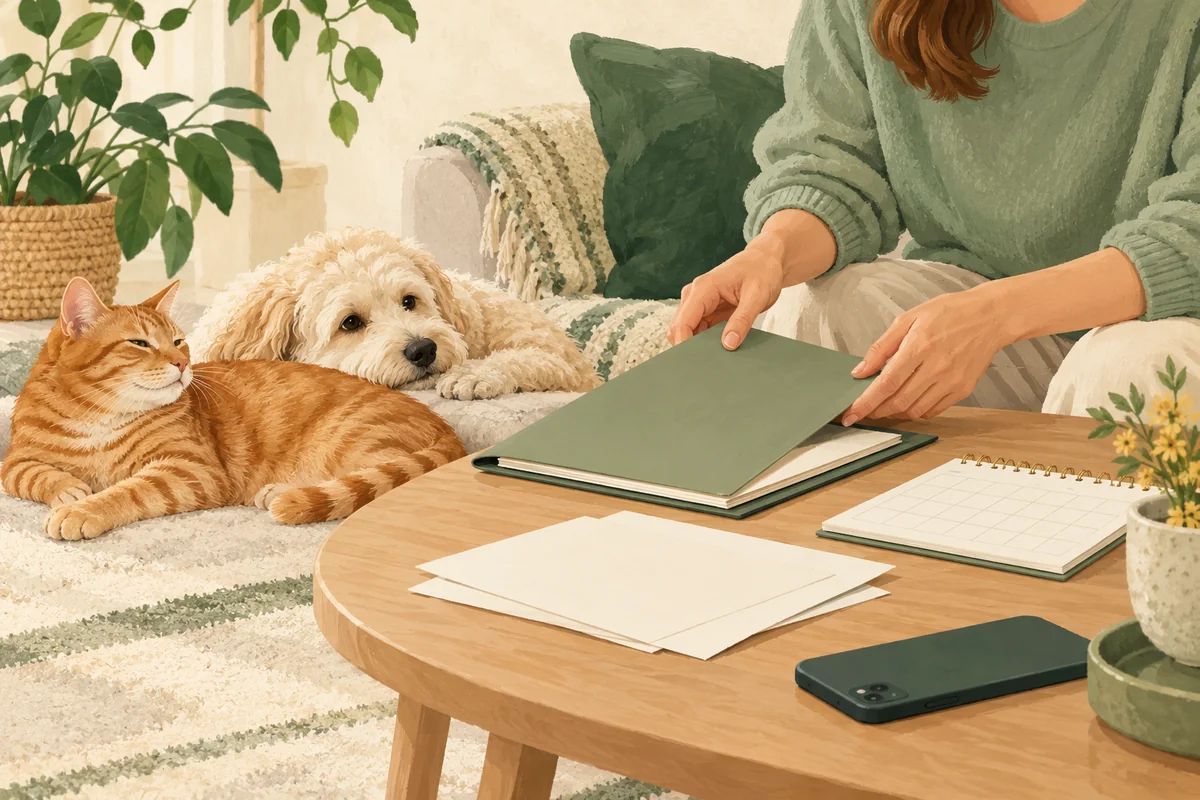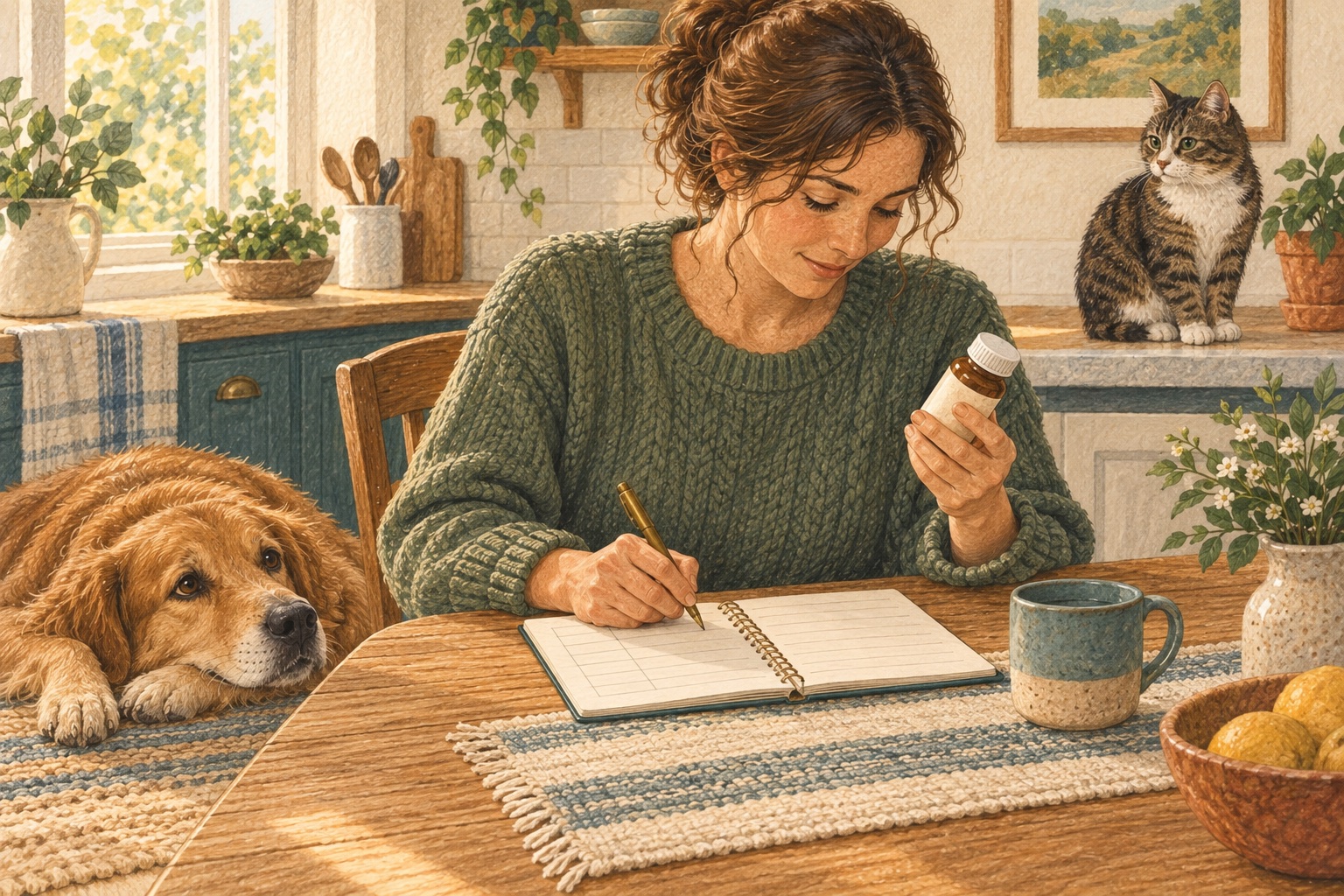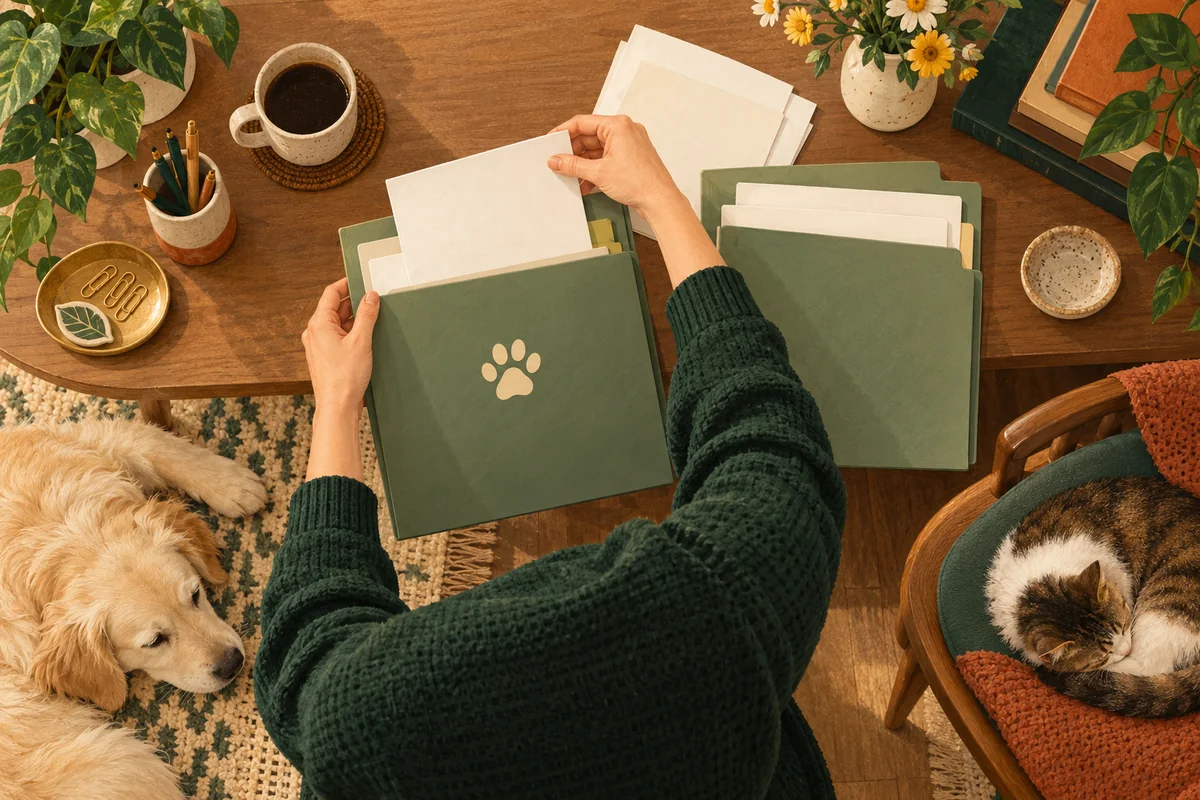
To organise your pet’s health history, gather the original documents, separate them by animal and associate them with the date of the event. Keep clinic reports, transcribed values and your own observations distinguishable. You can then select useful context without rebuilding the story from memory.
Folders, a spreadsheet or an app can support this method. What matters is knowing where each piece of information came from and being able to return to its source.
Keep three kinds of information distinct
Original documents include reports, test results and instructions you received. Transcribed data are values you copy for easier reference. Personal observations describe what you saw, when it happened and the context you know.
Keep these together without treating them as interchangeable. A personal observation is not a diagnosis, and a copied value does not replace the original. Your personal archive complements the clinic’s medical record and your pet’s official documents.
What to keep with each item
| Item | Identify it by | Preserve |
|---|---|---|
| Consultation report | Pet, consultation date and clinic | Complete original and instructions |
| Lab results | Pet, test date and source | Full document, units and stated ranges |
| Treatment document | Pet, date and issuing professional | Original instructions and later updates |
| Personal note | Pet and observation date | What happened and known context |
| Related photo or video | Pet, date and reason for keeping it | A file that preserves the context |
A filename such as Luna_2026-10-18_lab-original.pdf is one possible aid. Choose a system you understand and retain the received original.
Five steps for an existing collection
- Gather files without deleting originals. Check that copies open and contain every page. Mark incomplete files and request a replacement from the source when needed.
- Assign the correct pet. Check the document’s identifying details. If you are unsure, leave it pending identification.
- Use the event date. A download date is not necessarily the consultation or test date. Mark missing dates rather than inventing them.
- Distinguish duplicates and corrections. Compare contents before treating files as identical. Keep the origin and relationship of updated versions clear.
- Add a brief description. “Report received after the October check-up” can make an item easier to find. Keep interpretations separate from the original findings.
Review imported notes
Before saving imported entries, check the pet, date, meaning, values and units. Look for entries already present so they are not added twice by mistake.
Importing text and attaching a PDF are different processes. A text file can contain individual entries for review; a PDF can remain an original document. Uploading an image does not establish that its data have been extracted or verified.
For help choosing what to record, read what to track in a pet care journal.
Prepare a useful selection
The full archive preserves the history; a summary makes a chosen period easier to review. Decide what the summary is for, check the dates and make sure the original documents open. Check transcribed values against their sources.
Graphs show recorded data, while their clinical meaning depends on context. The veterinary team interprets that information. The vet visit checklist covers transport, questions and other preparation beyond the document archive.
An illustrative example in Nuzzleway
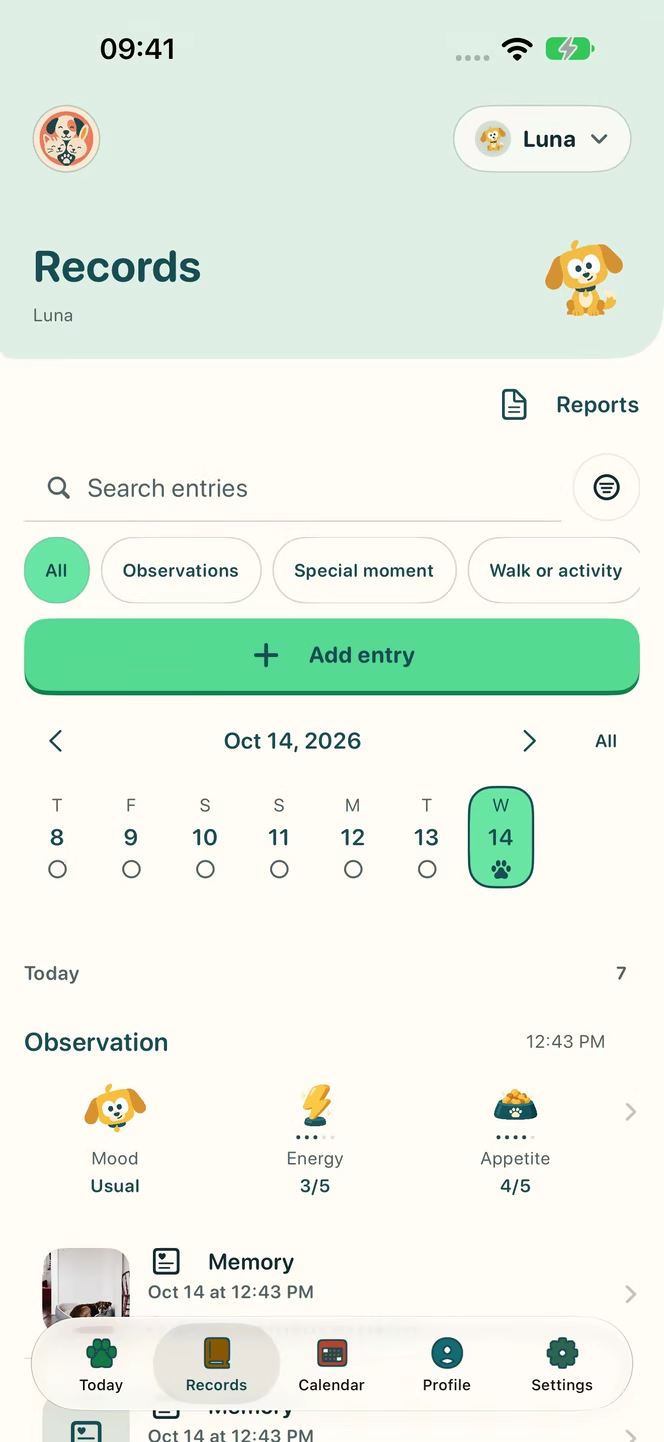
You have a PDF from Luna’s check-up and two older text notes. Keep the PDF as an original, review the notes before importing them and confirm their dates. If you add lab values, check them against the original.
Choose a period for a report, review it and decide whether to share. Saving a document or creating a report does not automatically send it to the clinic. Care tools explain these features; Nuzzleway requires an account and a paid subscription. Treatment details have their own medication log guide.
A maintenance checklist
- Each item belongs to an identified pet.
- The event date is known or marked as pending.
- Originals open and contain all pages.
- Transcribed values retain their units.
- Corrections are distinguishable from earlier versions.
- Personal notes are identifiable as observations.
- The report contains the intended period and context.
- You have reviewed what to share and with whom.
The companion article on Nuzzleway’s new tools shows how these steps fit inside the app. Start with one document and continue when the next one arrives.
Frequently asked questions
Can I add lab results and original documents?
Yes. Keep an original PDF or image and add lab values you review yourself. Uploading a document does not mean its contents have been automatically read or verified.
Are imported notes saved immediately?
No. You review the proposed entries, correct them and select what to save. Import supports text files; it does not promise automatic recognition of scanned documents.
Does creating a report send it to the vet?
No. You choose the report and use the sharing options yourself. Keeping a PDF or a lab document does not send it to a clinic.
These articles offer general, everyday guidance. They do not replace advice from a qualified veterinary professional.
Ready for the next appointment
Documents, treatments and reports together
Keep documents and create PDF reports with graphs.
An account and a paid subscription are required to use Nuzzleway.