A note about yesterday’s change, a report from the clinic and the care someone recorded while you were away all belong to the same story. Nuzzleway’s new tools help you keep that context together: follow an observation, preserve its documents, prepare a report and choose how to share care.
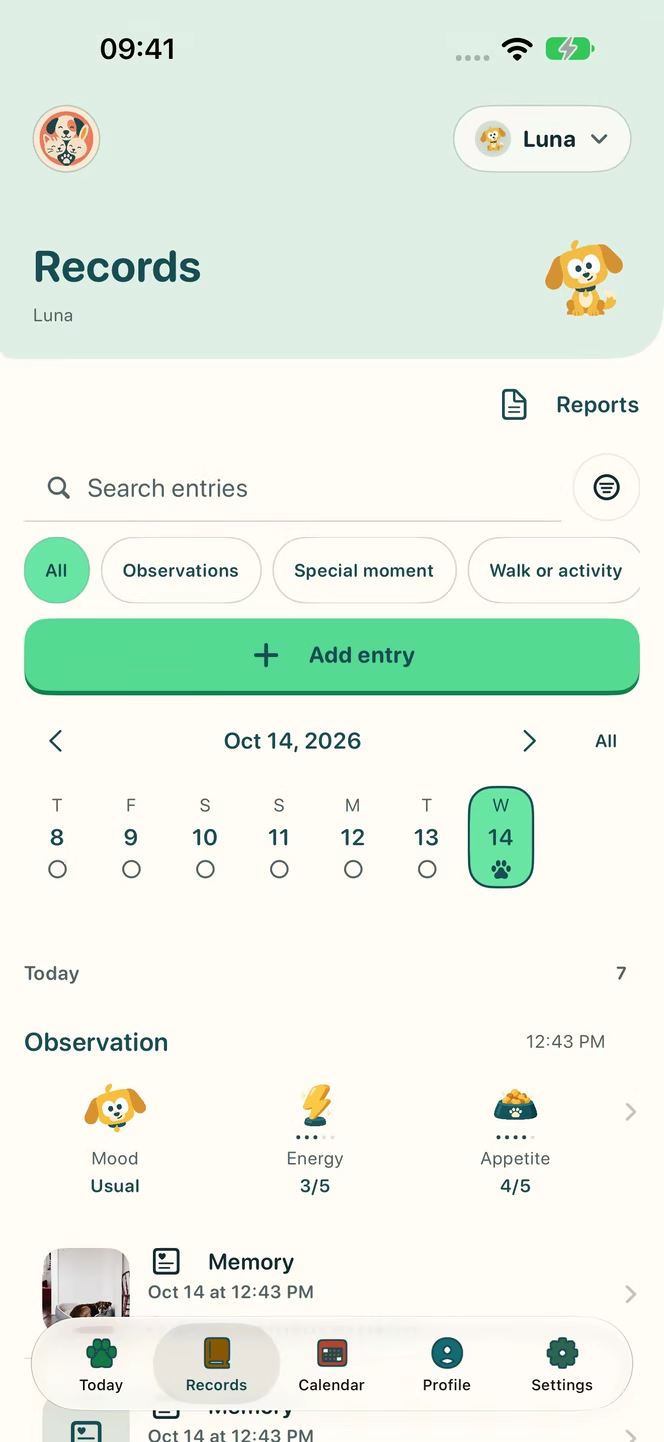
Follow a change over time
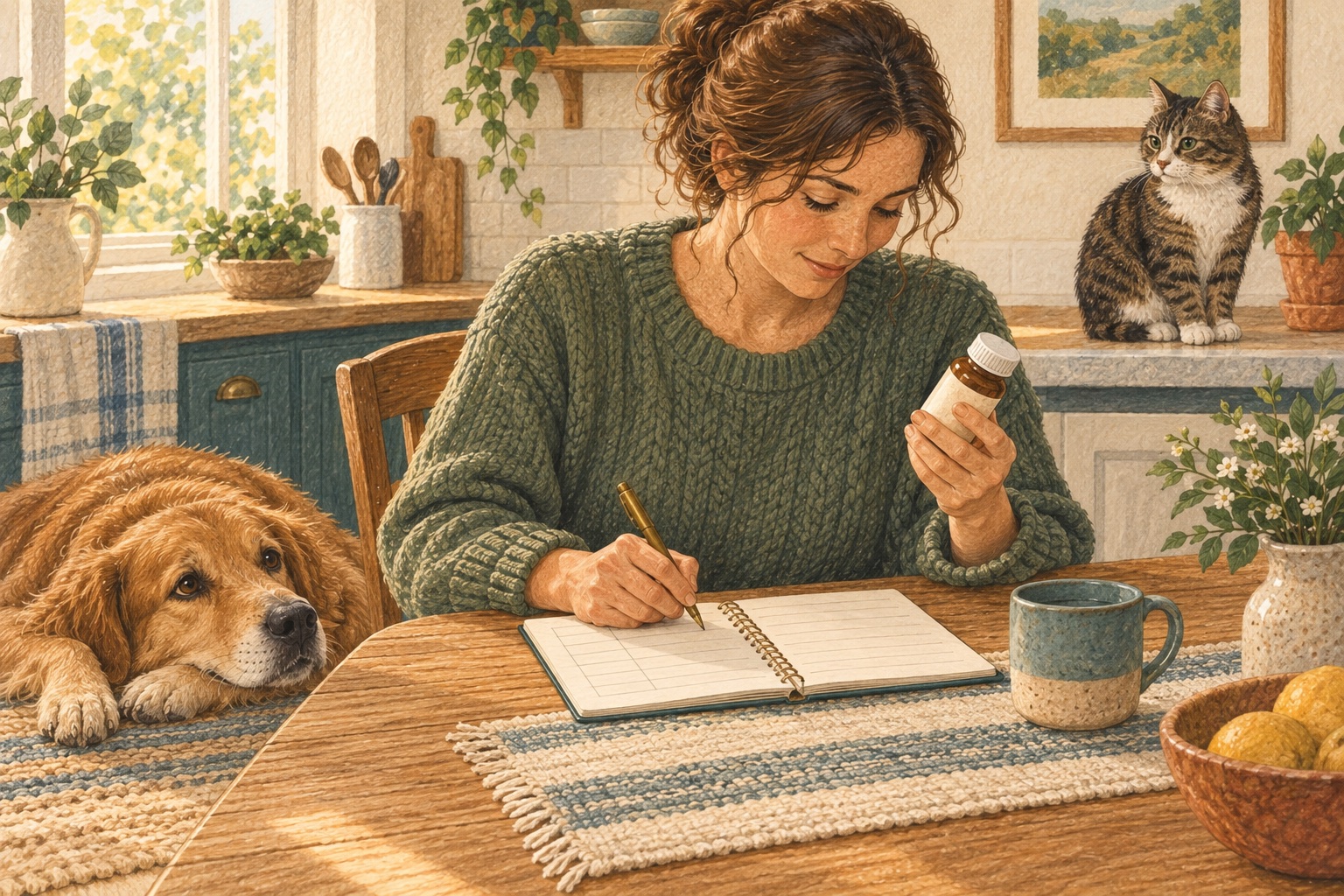
Symptoms and improvements can be organised as episodes, with notes, photos and details such as intensity or duration where relevant. Dated entries help you revisit what happened instead of trying to reconstruct it from memory.
An illustrative example: you notice the same change on two different days. Recording when it happened and what changed afterwards gives you a sequence to discuss with the clinic. Keeping a record is not a reason to delay asking for help. The veterinary team interprets symptoms and decides on treatment.
Explore the private journal and records for more detail.
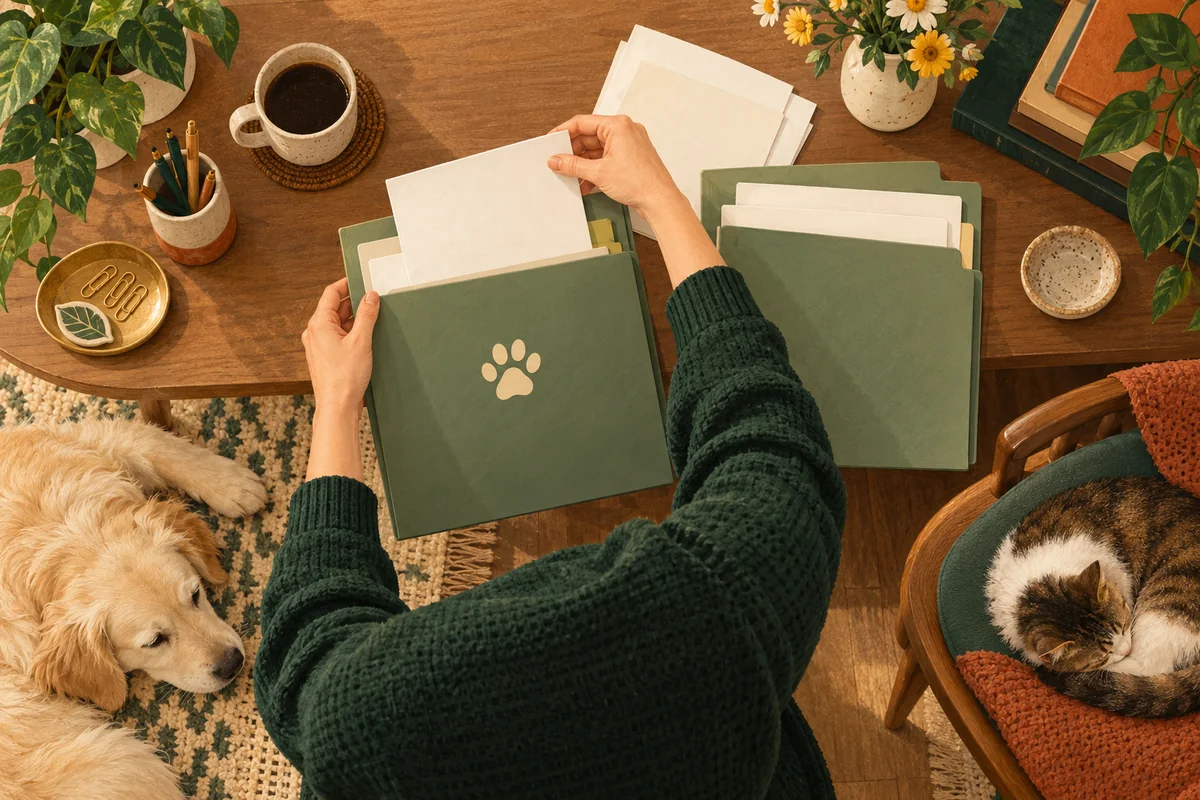
Keep documents beside their context
Preserve original PDFs or images and add lab values that you review yourself. An original document and a transcribed value serve different purposes: keep the original as the reference and check the value and unit against it.
Attaching a file does not mean its contents have been automatically read or clinically verified.
Older notes can also become part of the history. Import text from TXT, Markdown, CSV or TSV, then review, correct and select entries before saving. Check the pet, date and meaning of each entry. This is a text import, not a promise to convert every PDF or export from another app automatically.
Prepare the report you want to share
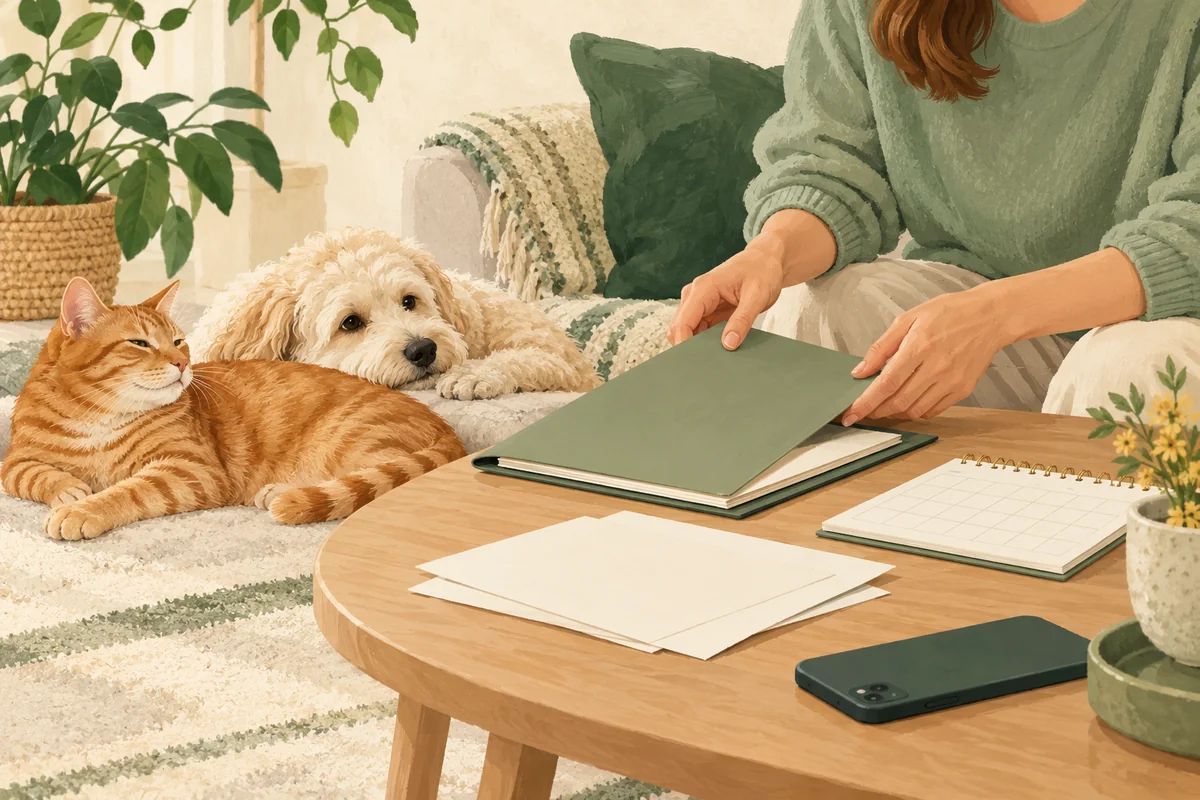
Choose a period, include graphs and create a PDF. Save it in a private report history so you can return to it later.
For example, before a check-up you can review the relevant period and check the report before deciding whether to share it. The report reflects the information you recorded; it does not replace the clinic’s medical record.
Creating or saving a PDF does not send it to a clinic. You select the report and share it yourself. See care tools and the practical guide to organising your pet’s documents.
Give caregivers a clear scope
Shared Home lets you select the pets a caregiver can access, whether they can view or record care, and an optional end date. A temporary caregiver can therefore receive access for the pets and period you choose.
The home administrator needs Nuzzleway Pro. Invited caregivers use their own account and do not need an additional subscription to participate as invited caregivers. Learn more about profiles and shared care.
Smaller changes for everyday care
The monthly calendar complements daily and weekly views. Widgets bring upcoming care, summaries and quick entries closer, depending on the device and configuration. There are 50 colour palettes, a photo gallery and personal progress through XP, levels and achievements, without public pet rankings.
Start with what helps today: one record, a document you need to find or a routine you want to keep visible. Nuzzleway requires an account and a paid subscription; the price and terms appear before you confirm.
Using Android? Join the waitlist for important news about availability.
Frequently asked questions
Are imported notes saved immediately?
No. You review the proposed entries, correct them and select what to save. Import supports text files; it does not promise automatic recognition of scanned documents.
Does creating a report send it to the vet?
No. You choose the report and use the sharing options yourself. Keeping a PDF or a lab document does not send it to a clinic.
Does a caregiver get access to all my pets?
You choose the pets within their access and whether they can view or add care. You can also set an end date for temporary access.
These articles offer general, everyday guidance. They do not replace advice from a qualified veterinary professional.
Health, with a history
A health history with context
Follow symptoms and improvements with dates, notes and photos.
An account and a paid subscription are required to use Nuzzleway.